
Harry Hill
Content Writer ( 111
Articles
)
111
Articles
)
Deleting File and Directory in Ubuntu Linux
Deleting files and directories in Ubuntu Linux is efficiently managed using terminal commands like rm and rmdir. This guide presents five essential commands for safe and effective deletion.

How to Use touch Command in Linux: 12 Practical Examples
Use touch Command in Linux creates empty files or updates file timestamps without altering content. It modifies access and modification times with options to set specific dates or use reference files, aiding efficient file time management in development environments.
Use Time Command in Linux
Use Time Command in Linux measures the duration a command takes to execute. It shows real time elapsed, user CPU time, and system CPU time, helping developers analyze performance and optimize scripts efficiently in a Linux environment.
Compress Video Using Command Line on Linux
Use FFmpeg, the compress video command on Linux to efficiently compress video files by adjusting codecs, quality, and resolution. The typical command balances file size and quality for optimized storage and bandwidth.
How to Update Ubuntu
Updating Ubuntu to its latest version is not a difficult process and even does not need high technical knowledge. As a popular distribution of Linux, Ubuntu is used by users who are not advanced in Linux. It offers two simple and quick ways to update Ubuntu. Command-line and Software Updater are two methods that satisfy […]
How to Check Your Ubuntu Version Quickly
Ubuntu Version identifies the specific release of the Ubuntu operating system. Checking your Ubuntu version helps maintain system compatibility and access to updates.
How to Use the mkdir Command in Linux
The mkdir Command creates new directories in Linux, enabling efficient folder organization. It supports multiple options, such as recursive parent directory creation and permission settings, crucial for Linux file system management.
Nano Text Editor Guide for Installation and Use on Linux
Nano Text Editor is a lightweight command-line text editor in Linux, ideal for quick file edits with easy keyboard shortcuts. It supports essential editing features and runs directly in the terminal.
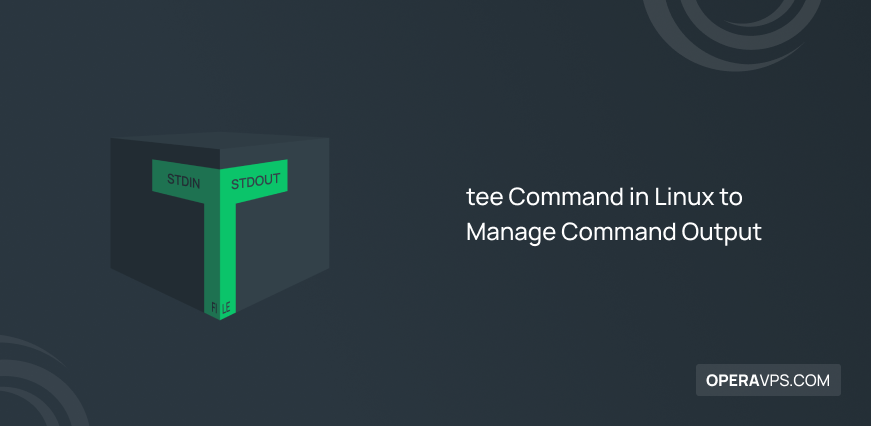
tee Command in Linux for Managing Command Output
The tee command in Linux displays the output of a command on the terminal and saves it simultaneously to one or more files. It is widely used to capture and log command output while allowing real-time viewing, useful for debugging and monitoring.
How to Install and Use wget Command in Linux
The wget command in Linux enables efficient downloading of files from the internet using HTTP, HTTPS, and FTP protocols. It supports resuming downloads, background downloading, and website mirroring for comprehensive offline access.
sed Command in Linux for Editing Files
The sed Command in Linux is a powerful stream editor for searching, replacing, inserting, and deleting text directly in files without opening them. It supports regular expressions for advanced pattern matching, enabling efficient text manipulation.
How to Move Files and Directories in Linux
Move Files and Directories in Linux involves using the mv command to relocate or rename files and directories efficiently. This operation updates the file location without duplicating data, optimizing file system organization.